
P999 Deposits & Withdrawals: How Payments Work
Last updated: July 23, 2026
Every other question about P999-style apps eventually leads back to this one: how does the money actually move? It's the most practical question in the whole topic, and the one most worth getting right, because mistakes here involve funds that have already left your wallet. This is a straight walk-through of how deposits and withdrawals tend to work, what commonly slows a payout down, and where to be careful — without pretending to promise outcomes that depend on a platform we don't control.
None of what follows is specific to one app. It's the general shape of how mobile-wallet-based deposits and withdrawals work across most platforms in this category in Pakistan, so it's worth treating as background knowledge you can carry with you rather than a one-time checklist.
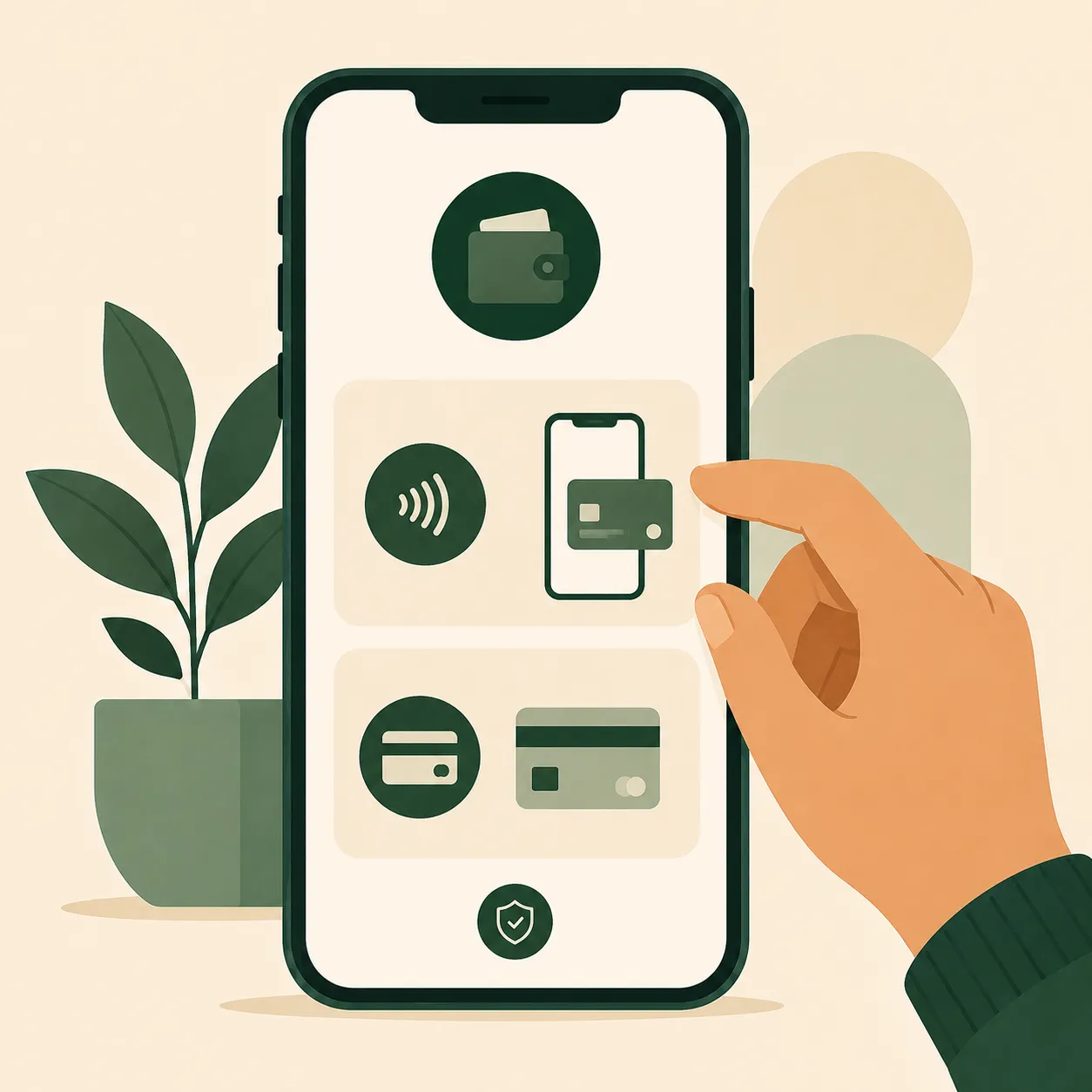
Typical payment methods
| Mobile wallets | Easypaisa, JazzCash |
| Bank transfer | Supported on many platforms as an alternative |
| Currency | Pakistani Rupees (PKR) |
Mobile wallets do most of the work here, and there's a practical reason for that beyond convenience: Easypaisa and JazzCash transactions confirm almost instantly on the user's end, which matters a lot when the whole point of a deposit is to start playing without a long wait.
Mobile wallet or bank transfer — which one to pick
If both are available, the choice usually comes down to speed versus habit. Mobile wallets tend to confirm faster on both ends, since Easypaisa and JazzCash are built for exactly this kind of instant, small-value transaction, and most people already have one installed. Bank transfers can feel more familiar if you already do most of your banking that way, but they sometimes take longer to reflect, especially outside normal banking hours or over a weekend. Neither option is inherently safer than the other — what matters more is using an account or wallet that's actually registered in your own name, so there's no ownership question if you ever need to verify a transaction.
How deposits typically work
- Open the deposit or wallet section inside the app.
- Choose your payment method — Easypaisa, JazzCash, or bank transfer where it's offered.
- Enter the amount and confirm the transaction through your payment provider's own app or SMS prompt, not through the game app itself.
- Your in-app balance should update once the provider confirms the payment. This is usually fast, though it can lag a little during busy periods, like evenings or weekends.
If your balance doesn't update within a few minutes, resist the urge to try the deposit again immediately — check your wallet's transaction history first to confirm whether the money actually left, since retrying a deposit that already went through just creates a second charge to untangle later.
How withdrawals typically work
- Open the withdrawal section and select your payout method.
- Enter the amount. Most platforms set a minimum withdrawal threshold, so check this before requesting a small payout — trying to pull out an amount below the minimum is a common reason first-time withdrawal requests fail.
- Confirm your account details carefully. A single wrong digit on a mobile number can send funds to someone else's wallet, and that's very hard to reverse once it's gone through.
- Processing commonly takes anywhere from a few hours to a couple of days, depending on the platform, the payment method, and how busy the queue is. Whatever number the app shows you, treat it as a rough estimate rather than a countdown you can set a clock to.
Why withdrawals get delayed
A slow withdrawal isn't automatically a red flag. The usual culprits are fairly mundane:
- Incorrect or mismatched account details entered at withdrawal time.
- Extra verification checks, which are common on larger amounts or on someone's very first withdrawal.
- Outages or maintenance windows on the payment provider's side, which are outside the app's control entirely.
- Simple volume — a lot of requests hitting the queue at once during peak hours or right after a popular promotion.
If a withdrawal is stuck well past the platform's own stated window, follow up through in-app support rather than a phone number or social media page claiming to help — that's a common point where people get re-routed toward a scam instead of an actual fix.
Your first withdrawal will probably feel slower
It's worth setting expectations here specifically, because first-withdrawal anxiety is one of the most common things people write in about. New accounts and first-time payout requests often go through an extra verification step precisely because they're new — the system has no history to check against yet. That step usually resolves within the platform's normal window. It's frustrating in the moment, but it's a security measure working as intended, not a sign that something has gone wrong with your account.
What if a withdrawal is declined instead of delayed
A delay and an outright decline are different problems, and it's worth telling them apart. A delay means the request is still in the queue and just taking longer than expected. A decline means the app has actively rejected the request, usually because of a mismatched name on the receiving account, a withdrawal amount below the platform's minimum, or a failed verification check. If a withdrawal is declined, the funds should return to your in-app balance rather than vanishing — check that they have before resubmitting, and if they haven't, that's the point to contact support with your transaction ID in hand rather than trying the same request again and hoping.
Keeping your own records
It's easy to treat a deposit or withdrawal as done the moment the app shows a confirmation message, and mostly that's fine — but it's worth building a small habit of keeping your own trail alongside the app's. A screenshot of the transaction ID, the amount, and the timestamp takes five seconds and becomes genuinely useful if you ever need to raise a support query. Support teams move faster when you can hand them a transaction ID instead of "it happened sometime yesterday afternoon." It also gives you an independent record if the app's own history view ever glitches or resets, which happens more often on apps distributed outside official stores than people expect.
A simple approach that works for most people: keep a running note in your phone with the date, amount, and transaction ID for anything over a small threshold you're comfortable setting for yourself. It sounds like overkill until the one time it saves you an afternoon of back-and-forth with support.
Payment safety habits worth keeping
- Only enter payment details inside the official app — never on a page you reached through a shared social media link.
- Use a mobile wallet registered in your own name, to avoid ownership disputes if a withdrawal ever needs to be verified.
- Hold on to transaction confirmation messages until the deposit or withdrawal is fully reflected in your balance, not just until the message arrives.
- Never share your wallet PIN with anyone, including someone who claims to be support staff. Real support never needs it.
Quick answers
Is there a fee for depositing or withdrawing?
This varies by platform and payment method, and sometimes by your wallet provider rather than the app itself. Check the amount shown before you confirm a transaction rather than assuming it matches what you typed.
What's the safest way to fund my account?
Whichever mobile wallet is registered in your own name and that you already use day to day. Familiar tools are easier to monitor for anything unusual than a payment method you've only just set up.
Can I cancel a withdrawal once I've requested it?
Often yes, if it hasn't started processing yet — check the withdrawal or transaction history section inside the app. Once it's marked as processing, it usually can't be pulled back.
Why did my balance not update immediately after a deposit?
Most commonly a brief lag while the payment provider confirms the transaction on their end, which can stretch during busy periods. Check your wallet's own transaction history before assuming something went wrong.
Should I withdraw everything as soon as I can, or leave a balance in the app?
That's a personal budgeting choice rather than a safety one, but leaving only what you're actively planning to play with — and withdrawing the rest — is a simple habit that keeps your balance closer to your actual spending decisions.
Ready to check it out for yourself? See how login and gameplay actually work inside the app.
Visit P999 Game →Related guides
See Bonuses, VIP & Redeem Codes Explained for how promotional credit interacts with withdrawals, or Safe P999 Login for broader account protection habits.