
P999 Official Website: How to Avoid Fake Domains
Last updated: July 23, 2026
Search "P999" and you won't get one tidy result. You'll get a spread of domains — .com, .game, .one, .vip, a couple of obvious typos, maybe a .co.kr thrown in for good measure — all sitting in the results looking roughly equally official. Some of that spread is boring and explainable. Some of it exists specifically to catch people who are in a hurry. This guide is about telling the two apart before you type anything into either.
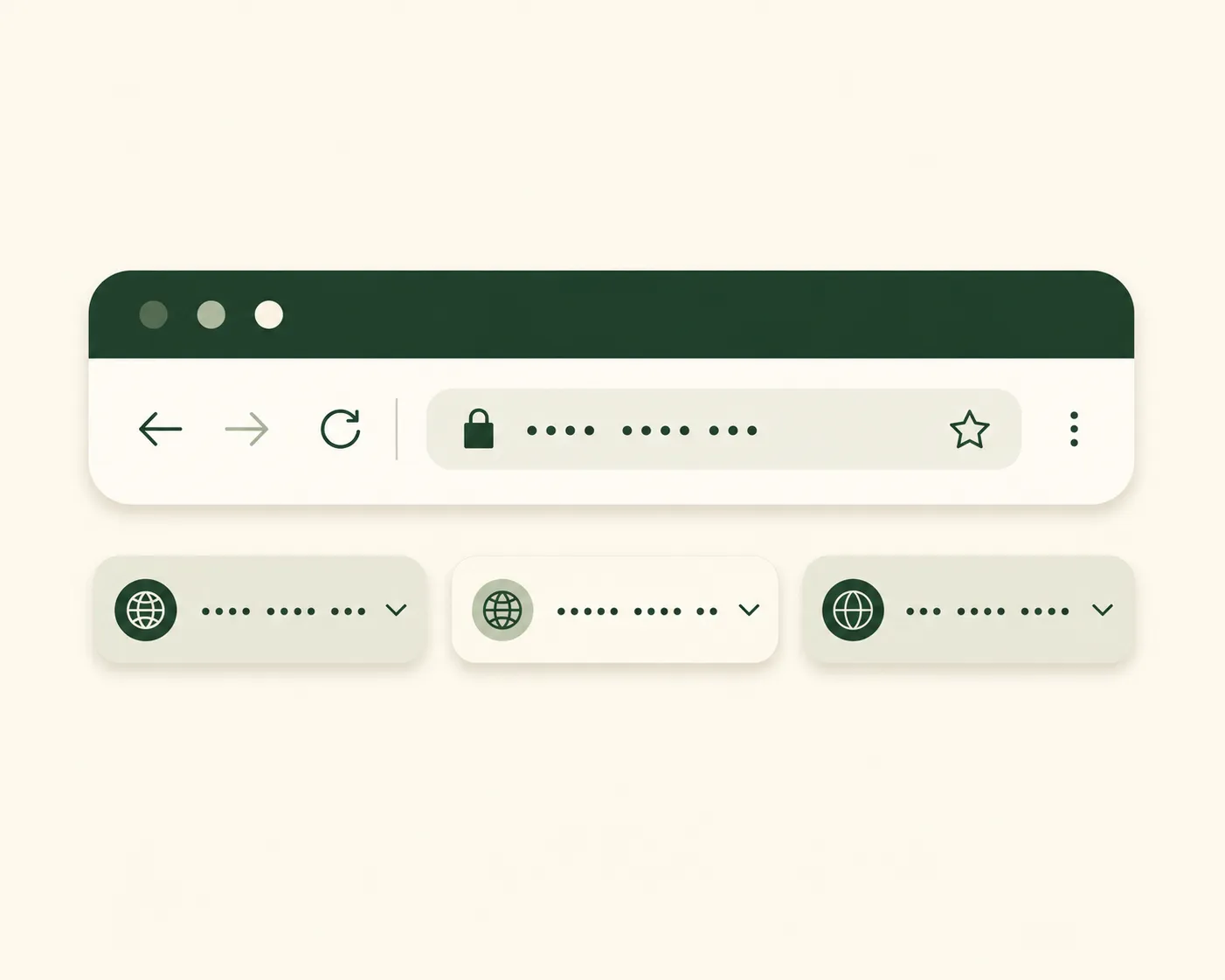
Why so many similar domains exist
Not every duplicate is malicious. Some of the spread is just how the internet works around apps that don't have one central, official storefront to point to. But the reasons split roughly into four buckets, and only some of them deserve your trust.
The four kinds you'll run into
Mirror sites. Platforms sometimes register backup domains in case a primary one gets blocked, throttled, or restricted by an ISP. These can be legitimate, but there's no way to tell that from the domain name alone — you'd need to have verified it through another trusted source first.
Copycat clones. Pages built, sometimes in a single afternoon, to look identical to a real login or download page. Their entire purpose is capturing your mobile number, your OTP, or your account details the moment you type them in. These are the ones that actually cost people money.
Typo domains. Deliberately registered misspellings — an extra letter, two letters swapped, a ".con" instead of ".com." Cheap to register, and they exist purely to catch people who type fast and don't look twice.
Ad and affiliate pages. Third-party sites that write about the app, review it, or link onward to it. These aren't trying to trick you exactly, but they're also not the app, and a lot of confusion comes from treating an affiliate blog as if it were the official source.
What the domain ending actually tells you
Part of the confusion is that the ending of a web address — .com, .game, .one, .vip, and so on — doesn't carry the meaning people assume it does. Anyone can register almost any ending for a few dollars a year, with no vetting of who they are or what they intend to do with it. A .vip or .one domain isn't inherently more or less trustworthy than a .com — it's just a different, often cheaper, registration choice. That means the ending itself is close to useless as a trust signal on its own. What actually matters is whether you personally verified that exact address before, not what comes after the dot.
Where this bites people specifically: a platform's real domain might genuinely be a .game or .vip address, while a scam clone sits on a .com purely because .com feels more "official" to the average visitor. Going by gut feeling about which ending looks more legitimate will mislead you just as often as it helps.
What a fake page actually looks like up close
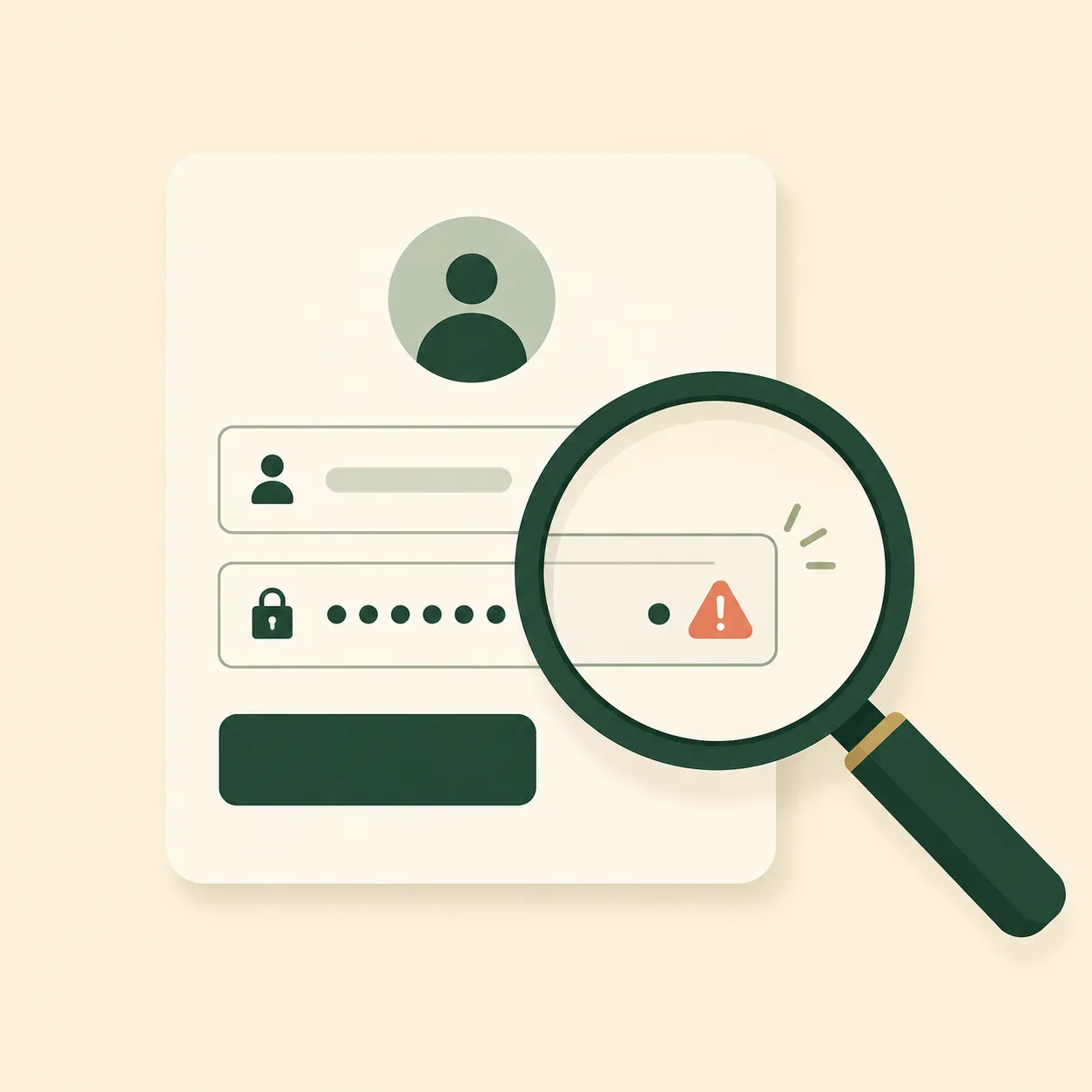
Picture this: you land on a page that has the right logo, roughly the right colours, and a headline that reads "P999 Offical Login" — with "official" spelled wrong, easy to miss on a small screen. There's a countdown timer in the corner claiming your bonus expires in four minutes. Below it, a form asks for your mobile number and, on the very same page, a box for the OTP you're about to receive.
That last part is the giveaway. A genuine login never asks you to bring the OTP back to a website — it happens inside the app you opened yourself, start to finish. The moment a browser page wants both your number and the code that follows it, you're not looking at a login form anymore. You're looking at a collection form.
Browser habits that catch most fakes automatically
You don't need to be technical to get most of the way there. A few settings and habits do a lot of the checking for you without any extra effort once they're switched on:
- Keep your phone's built-in "scan links for threats" or Safe Browsing setting turned on — most Android and iOS browsers include one, and it quietly blocks a large share of known phishing pages before they even load.
- Glance at the padlock or "secure" indicator next to the address bar. Its absence doesn't automatically mean a page is fake, but a missing lock on a page asking for account details is worth treating as a reason to slow down.
- If your browser offers to autofill a saved password or account detail and it doesn't offer to on a page that looks familiar, pay attention — browsers tie saved logins to exact domains, so a mismatch there is often the clearest signal you'll get that something's off.
A verification habit worth building
You don't need to become suspicious of everything forever. You need one habit, done once properly:
- Type the address yourself the first time, rather than tapping a link someone sent you, and actually read it character by character before hitting go.
- Once you've confirmed it's right, bookmark it. Use that bookmark every time after, instead of searching again and rolling the dice on which result you land on.
- Keep the OTP rule absolute: it only ever gets typed inside the app itself, never into a browser page, no matter how official that page looks.
- Treat urgency as information. A page pushing you to act in the next four minutes is telling you something about itself, not about the offer.
That's it. It's a two-minute habit that removes most of the risk this whole topic is about.
A note on WhatsApp and Telegram groups specifically
A huge share of the traffic to fake P999-style pages doesn't come from search engines at all — it comes from links dropped into WhatsApp and Telegram groups, often by an account that looks like a real person rather than an obvious bot. "Bro this one is paying today, try before it's blocked" is a pattern worth recognizing on sight. The urgency, the claim that it might disappear soon, and the fact that it's coming from inside a group you trust rather than from you actively searching — all three make people skip the ten-second check they'd normally do on their own.
The fix isn't leaving every group you're in. It's treating a link shared this way exactly like a link from a stranger: worth checking against your own bookmarked, verified address before you tap it, no matter who sent it or how convincing the message sounds.
Already entered details somewhere sketchy?
If you've already typed an OTP, password, or personal details into a page you're now second-guessing, don't spend time deciding whether it was "probably fine." Act as if it wasn't. Change any password you reused elsewhere, keep half an eye on your mobile wallet activity for the next few days, and don't go back to that link again, even out of curiosity. If your browser or antivirus software gives you an option to report the page, use it — it helps flag the page for the next person who nearly makes the same click.

Is this really necessary?
Fair question — most visits to most P999-style pages are completely uneventful. But the cost is asymmetric: checking a domain takes ten seconds, while typing an OTP into the wrong page can take your account with it. That imbalance is really the whole argument for building the habit, even if you never end up needing it.
Quick answers
Is there one single "official" P999 domain everyone should use?
Treat "official" as whichever address you personally verified and bookmarked, not a name you're told to trust secondhand. Verify it once yourself, then stick to that bookmark.
Are all the alternate domains scams?
No — some are legitimate mirrors. The problem is that you can't tell mirrors and clones apart just by looking at the name, which is exactly why the verification habit matters more than memorizing a list of "good" domains.
What's the single biggest tell that a page is fake?
A web page — not the app itself — asking for your OTP. That one detail catches the overwhelming majority of copycat pages on its own.
Should I download an app to check links for me?
Your phone's built-in Safe Browsing setting already does most of that job for free. Be cautious about installing yet another third-party app just to vet other apps — that's its own small trust decision.
Ready to check it out for yourself? See how login and gameplay actually work inside the app.
Visit P999 Game →Related guides
See Is P999 Game Real or Fake? for the bigger trust picture, Why So Many "P999" Websites? for why this many domains exist in the first place, Safe P999 Login for account protection habits, P999 Game Hack Warning for the same phishing pattern dressed up as a "hack," and Download P999 Game Safely before installing anything.